

Go beyond the security scan.
Understand the verdict. See what changed. Know what to investigate next.
From security findings to explainable decisions and evidence-backed remediation. Follow the history, compare the evidence, and give your team a clear next action.
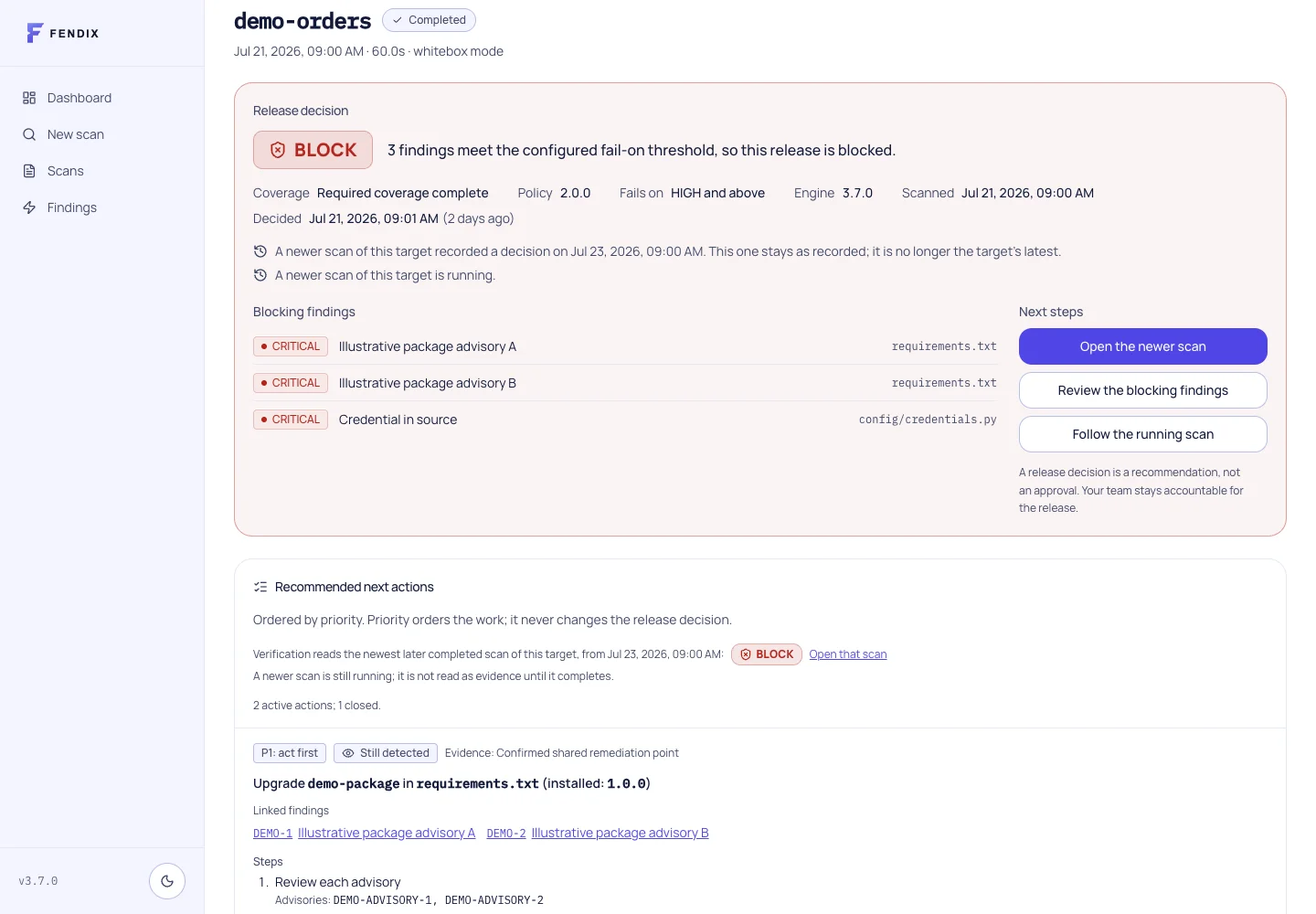
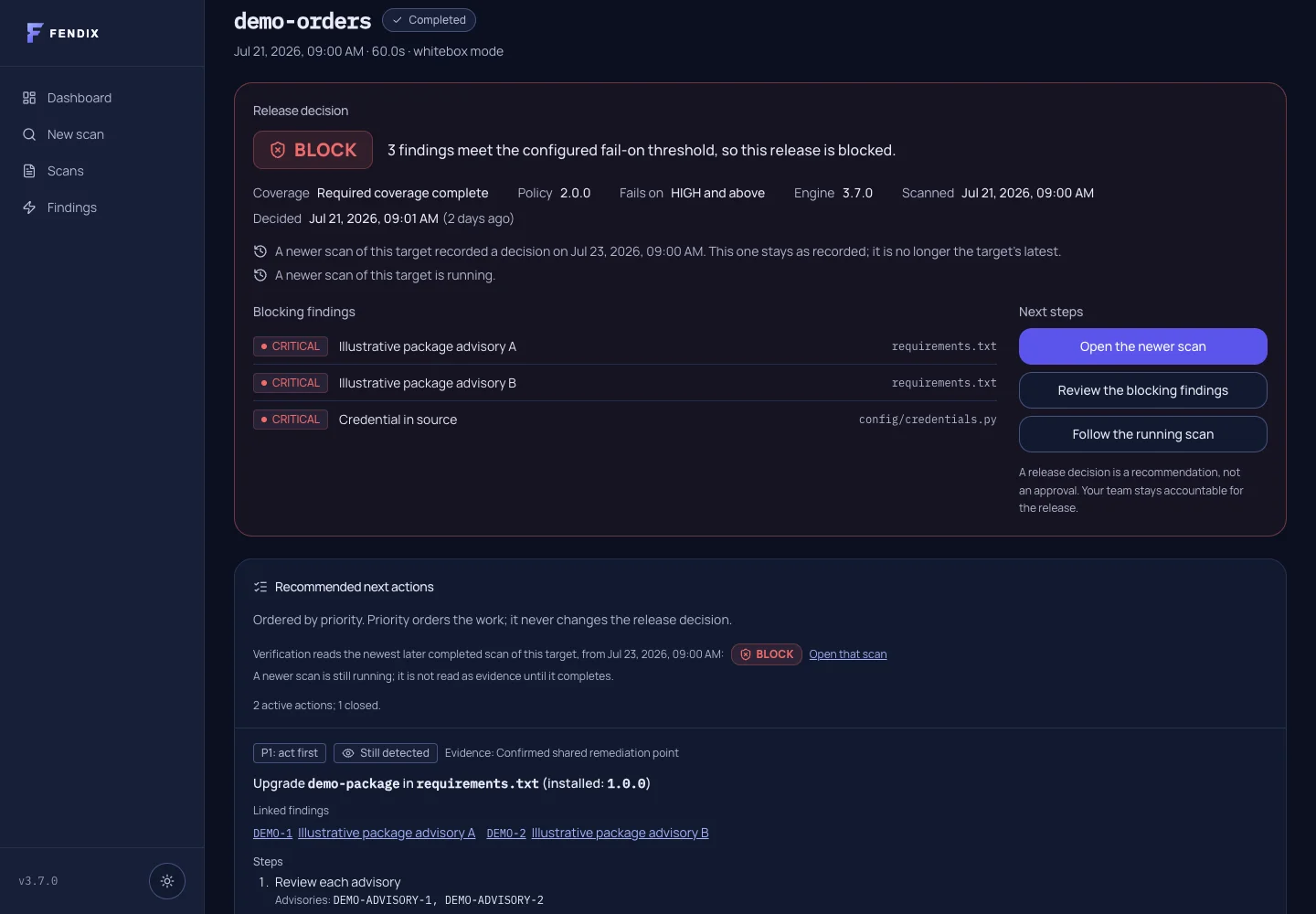
Your scanner found the issues. Now what?
A list tells you what was reported. A release decision needs context: which policy applied, what the analyzers could see, what changed, and what your team should investigate next.
Understand the verdict. Keep the evidence in view.
The release verdict brings finding decisions and required coverage together. Execution status, severity and release policy each answer a different question.
- PASS
- No blockers or warnings under the recorded policy. Read coverage alongside the verdict; legacy coverage may be unknown.
- WARN
- Warnings need review; no finding blocks under the applied policy.
- BLOCK
- At least one stored finding decision blocks the release. Coverage gaps remain visible.
- INCOMPLETE
- Required evidence is missing, with no blocking finding taking precedence.
- NO DECISION
- No recorded verdict is available. A running or failed attempt does not replace the latest recorded decision.
01
Decision History
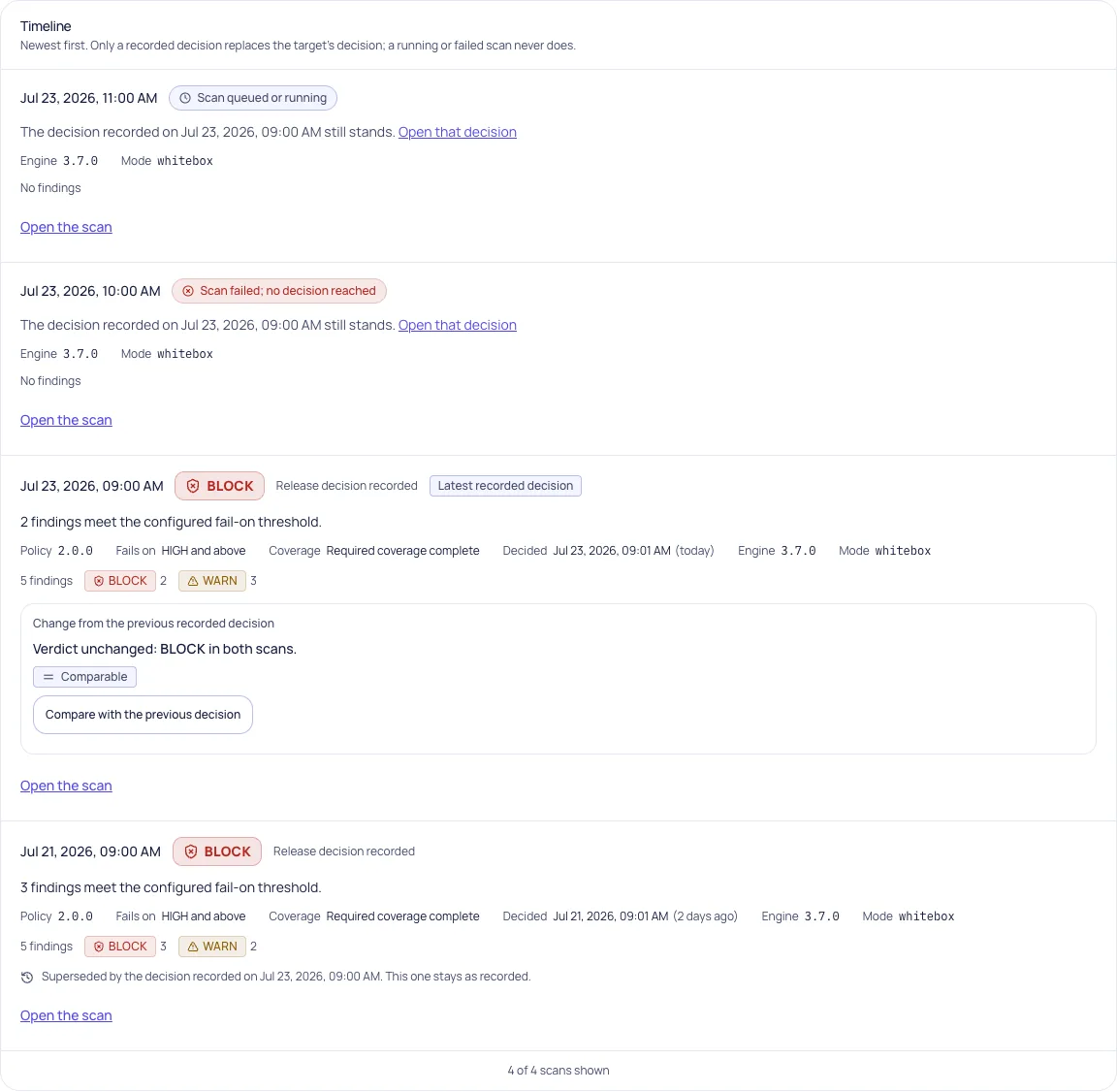
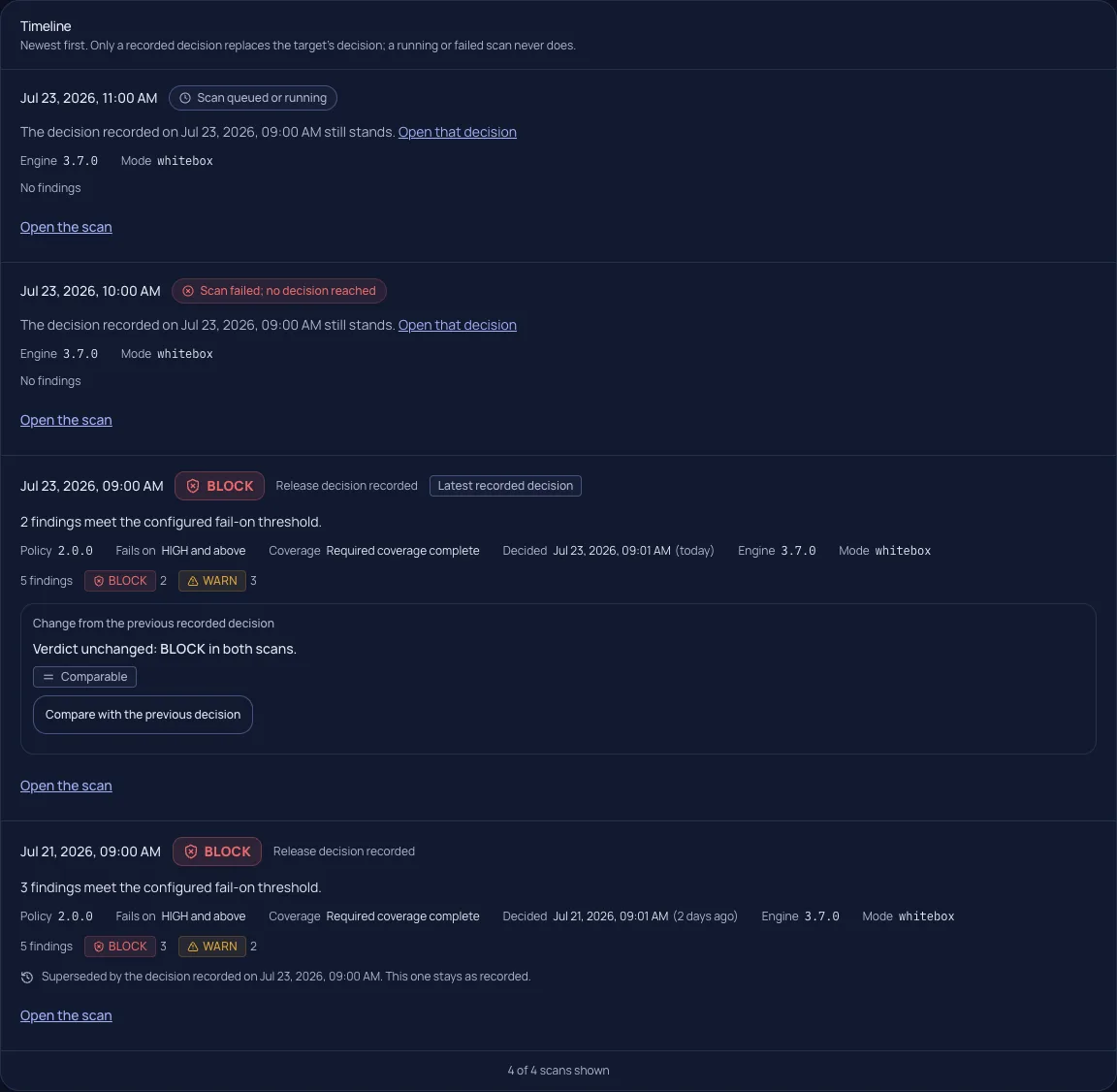
A later run is not always a later decision.
Follow one target’s recorded decisions and execution events. See the policy and coverage that applied then. A newer running or failed scan leaves the latest recorded decision in place.
Historical verdicts remain unchanged. Open any retained scan to inspect its original evidence.
02
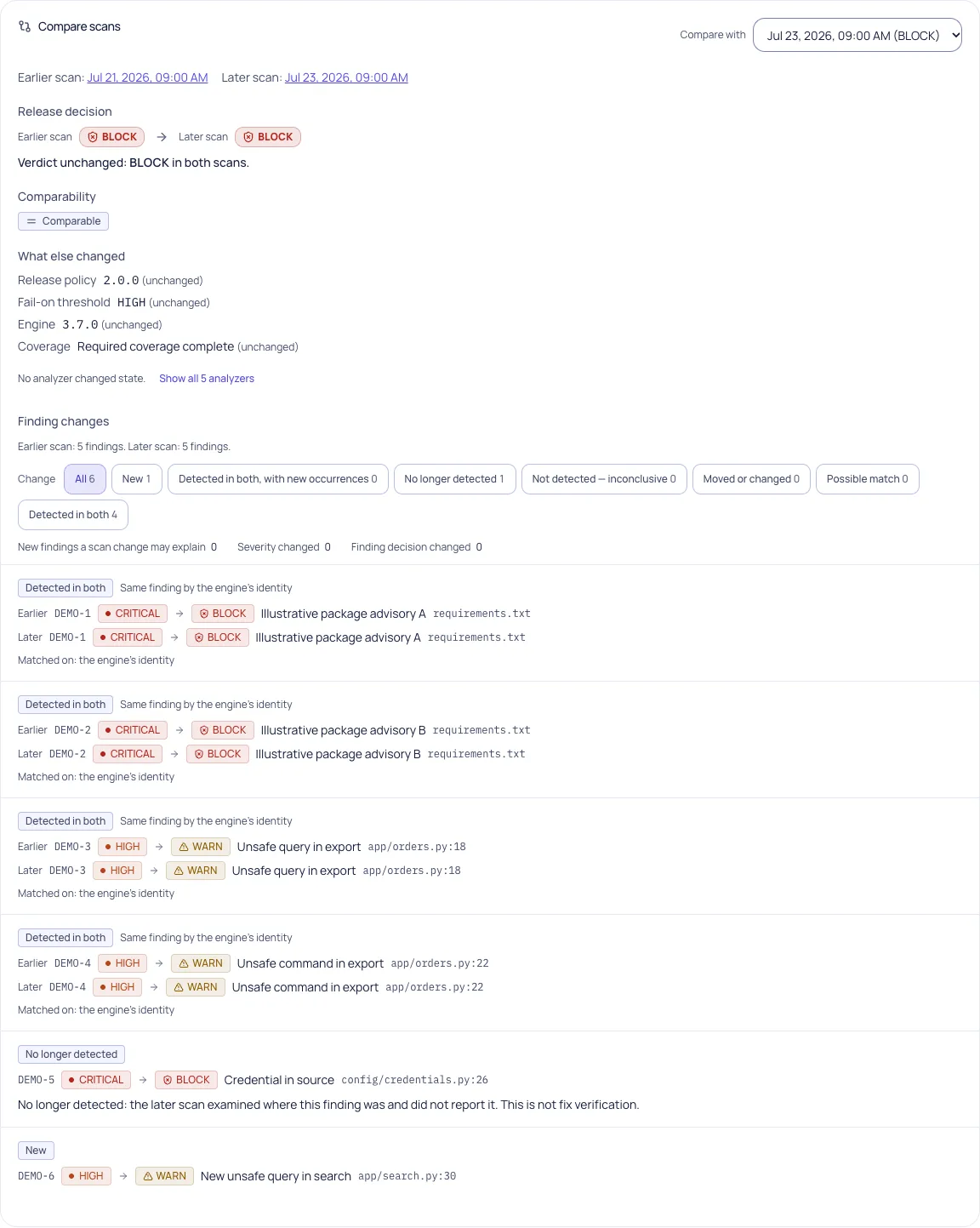
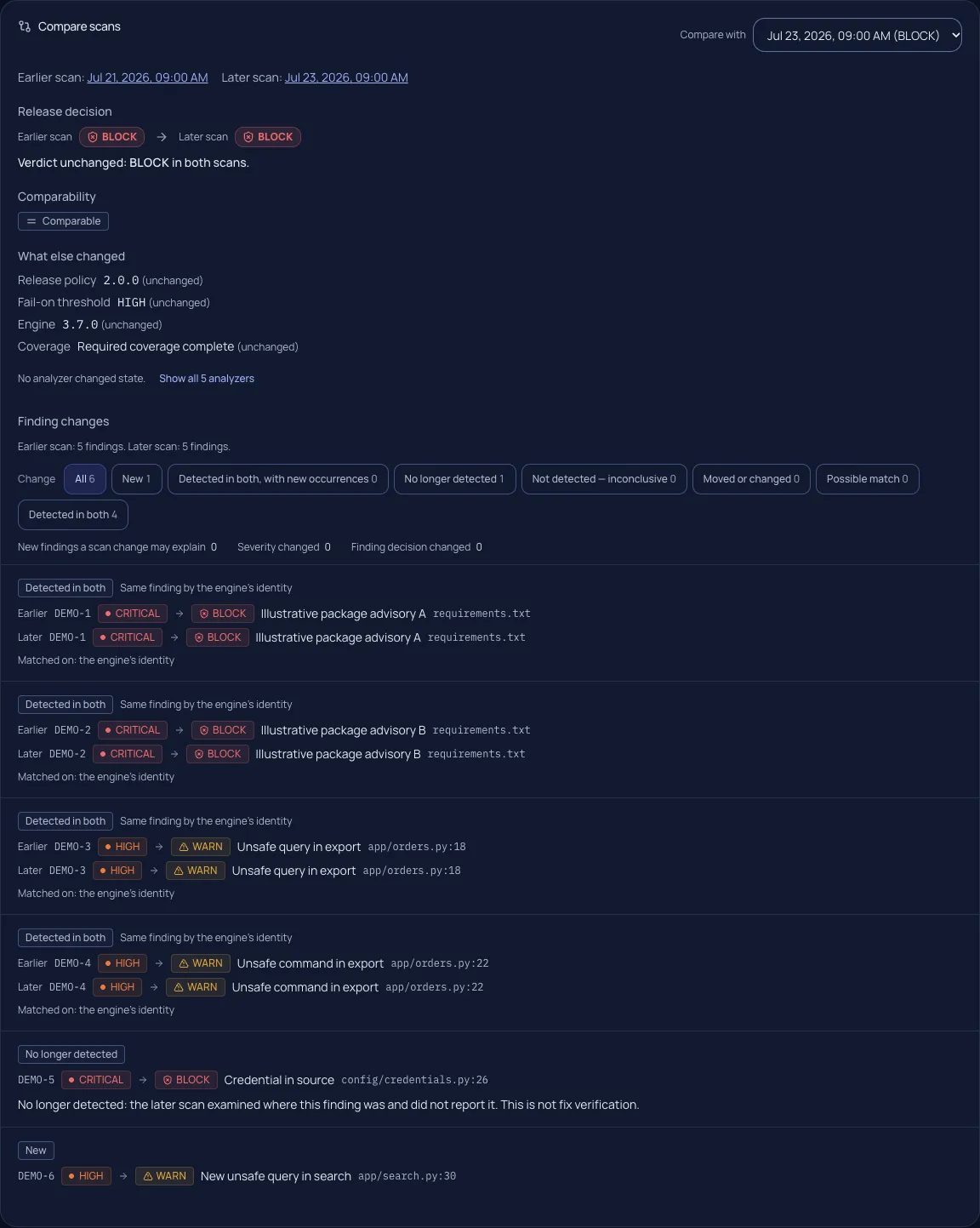
Scan Comparison
See what changed—and what can be concluded.
Separate new and persisting findings from possible matches and findings no longer detected. Named comparability factors explain coverage, scope, engine and policy differences.
Missing required coverage makes absences inconclusive. Absence is never automatically proof of a fix.
03
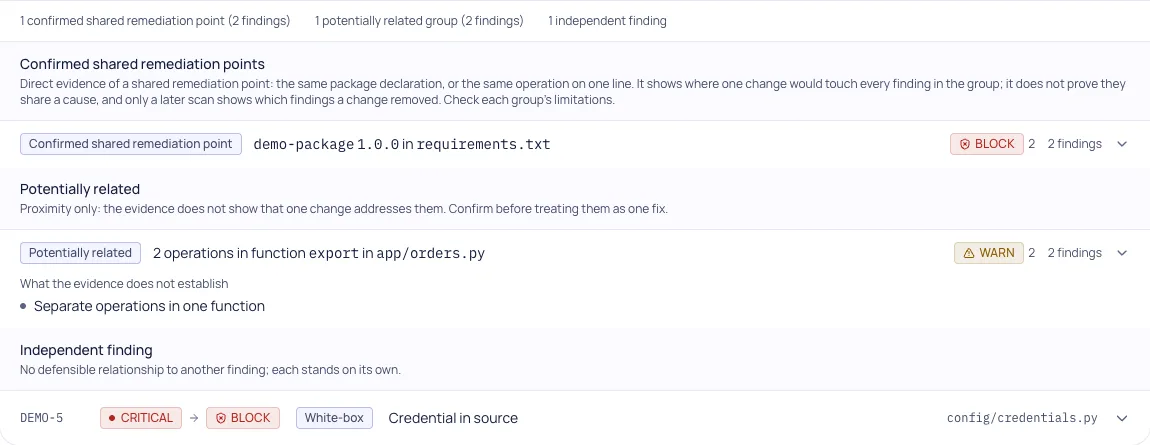
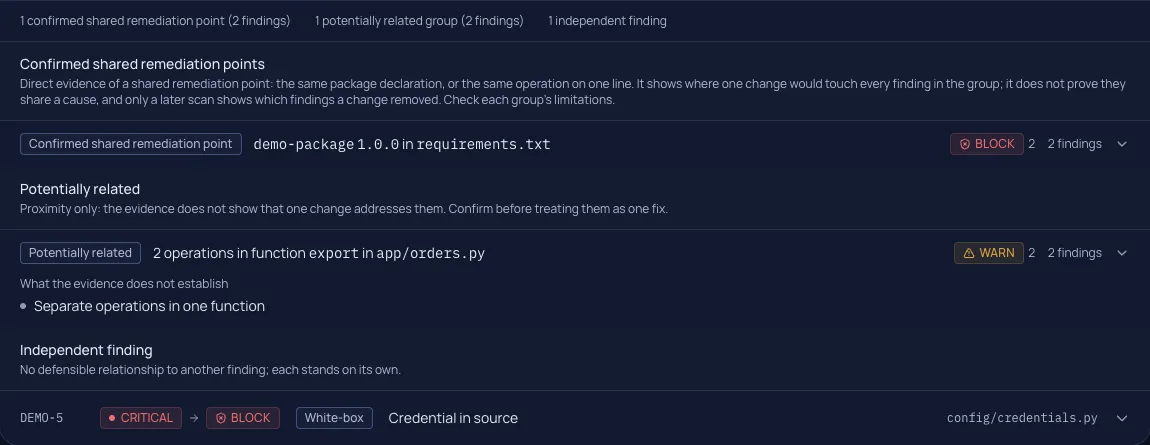
Shared Remediation Points
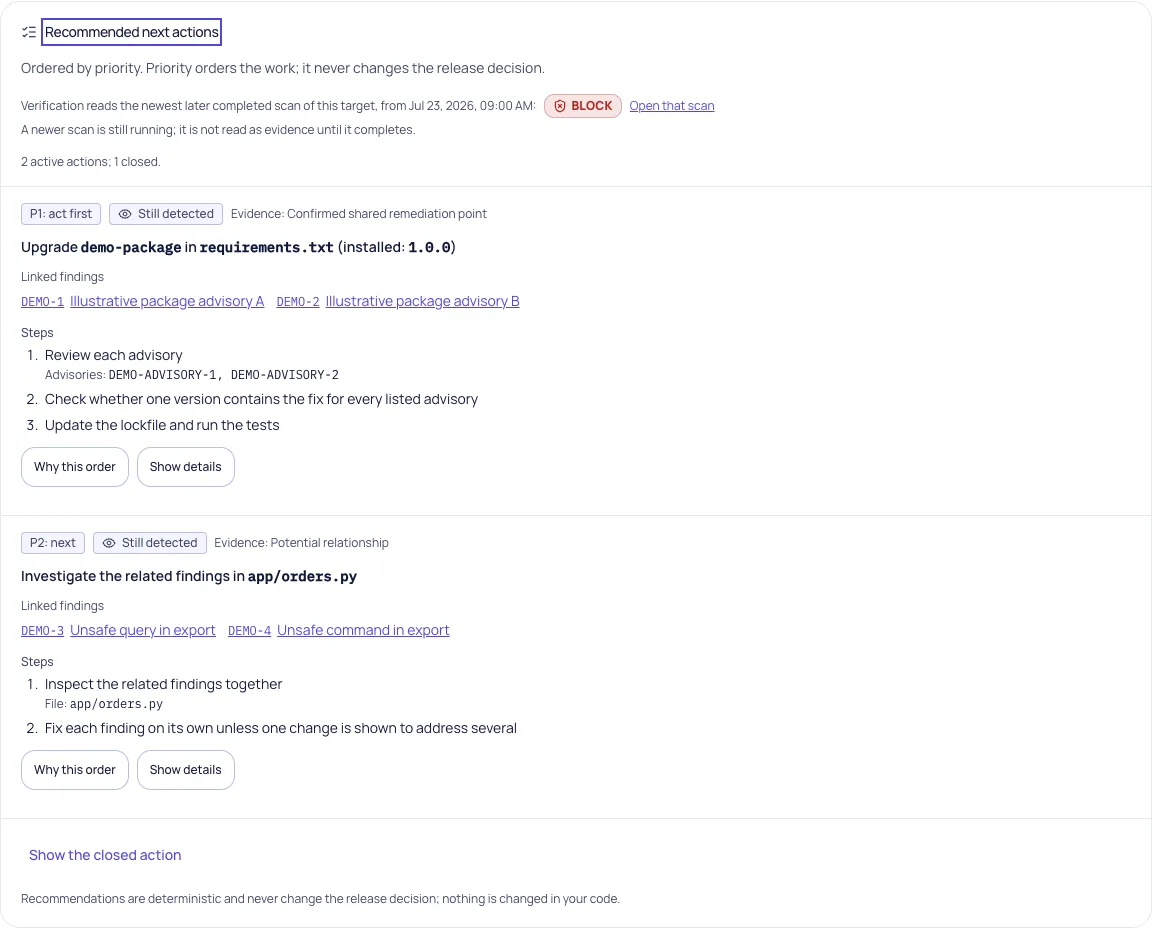
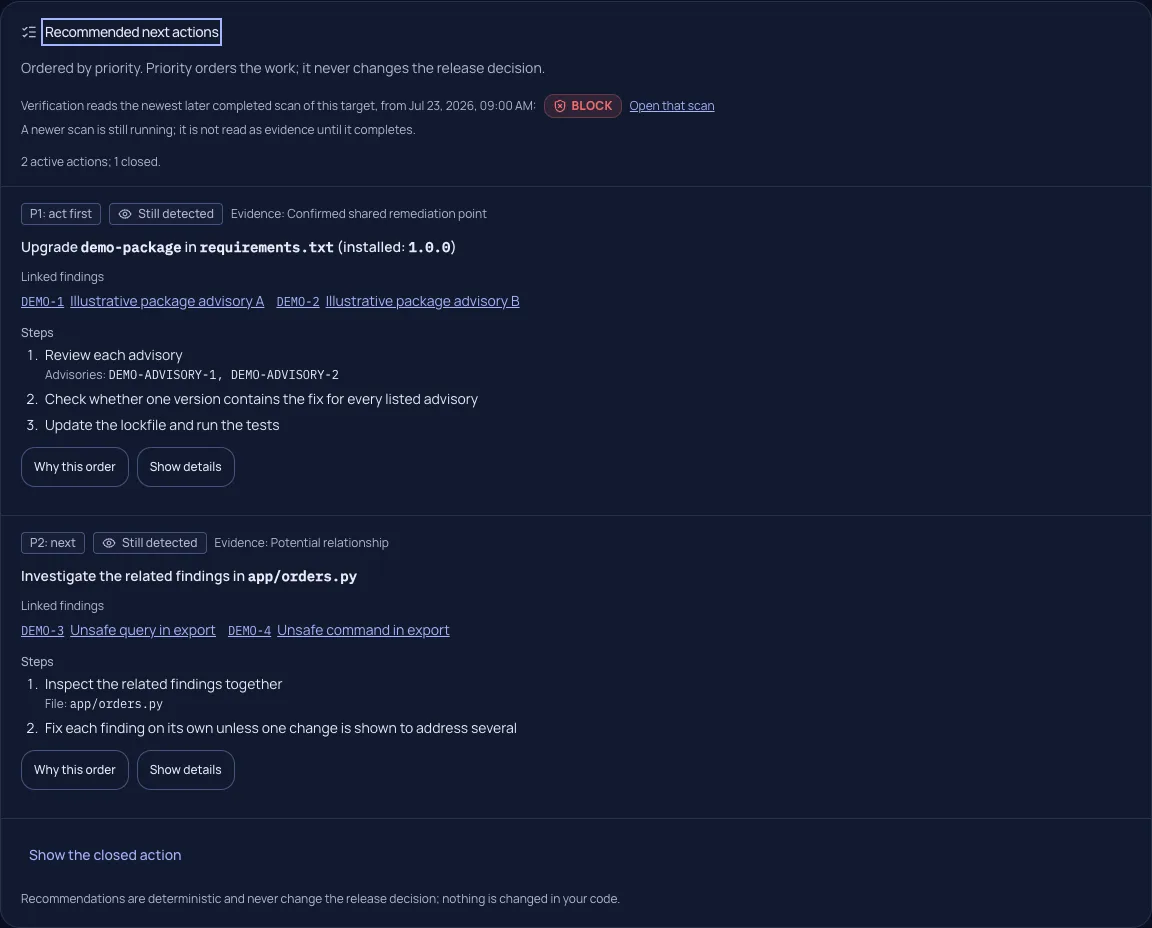
One place to investigate. Separate findings to verify.
Exact evidence can connect findings to one dependency declaration or code operation. Weaker relationships stay potential; unsupported relationships stay ungrouped.
A confirmed shared remediation point is not a proven common cause or a promise that one fix resolves every member.
04
Actionable Remediation
Know why this action comes next.
Review recommended actions with linked findings, source locations, engine guidance and explained priorities. Inspect later-scan evidence after your team acts.
A human-reported fix remains distinct from verified evidence. Fendix does not edit your code or open pull requests through this capability.
Evidence, not assumptions.
When the evidence is inconclusive, Fendix says so.
- Recorded decisions preserve the policy and evidence of their scan.
- Comparability and missing analyzer coverage limit conclusions.
- Potential relationships are labelled as potential.
- Reported fixes, conclusive absence and engine verification remain distinct.
One connected workflow.
- 1Security scan
- 2Verdict
- 3History
- 4Comparison
- 5Shared remediation evidence
- 6Recommended actions
- 7Re-scan
Make the next decision with the evidence in front of you.
Start with free access, explore the synthetic workspace, or follow the technical guides.